Creating an Account
Get started with RankGood™ by creating your account and choosing the right plan for your needs.
Written By Alex Frees
Last updated 7 months ago
Choosing a Plan
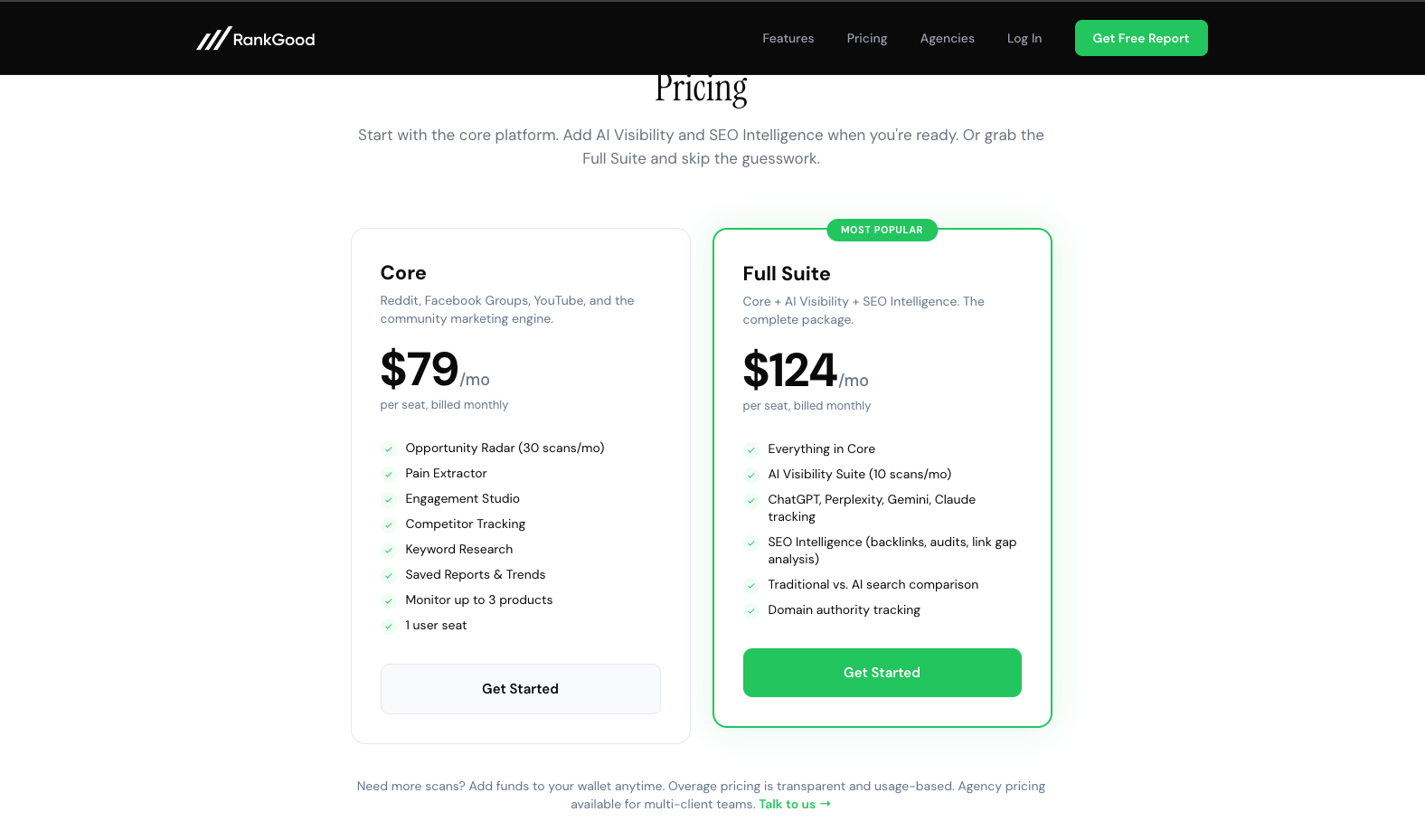
RankGood offers plans for individual users and agencies:
All plans include a core set of Reddit intelligence tools. Higher-tier plans include additional features and higher usage limits. You can also add features individually as add-ons.
Screenshot: The pricing page showing plan comparison cards with feature lists and pricing for each tier.
Signing Up
Visit the RankGood homepage and click Get Started or Start Free Trial.
Select your plan type — Direct (individual) or Agency.
Choose your plan tier (Base/Full Suite or Starter/Pro).
Complete payment through the secure Stripe checkout page.
After payment, you will be redirected to create your account using your email address or a social login (Google, etc.).
Screenshot: The Stripe checkout page with plan details and payment form.
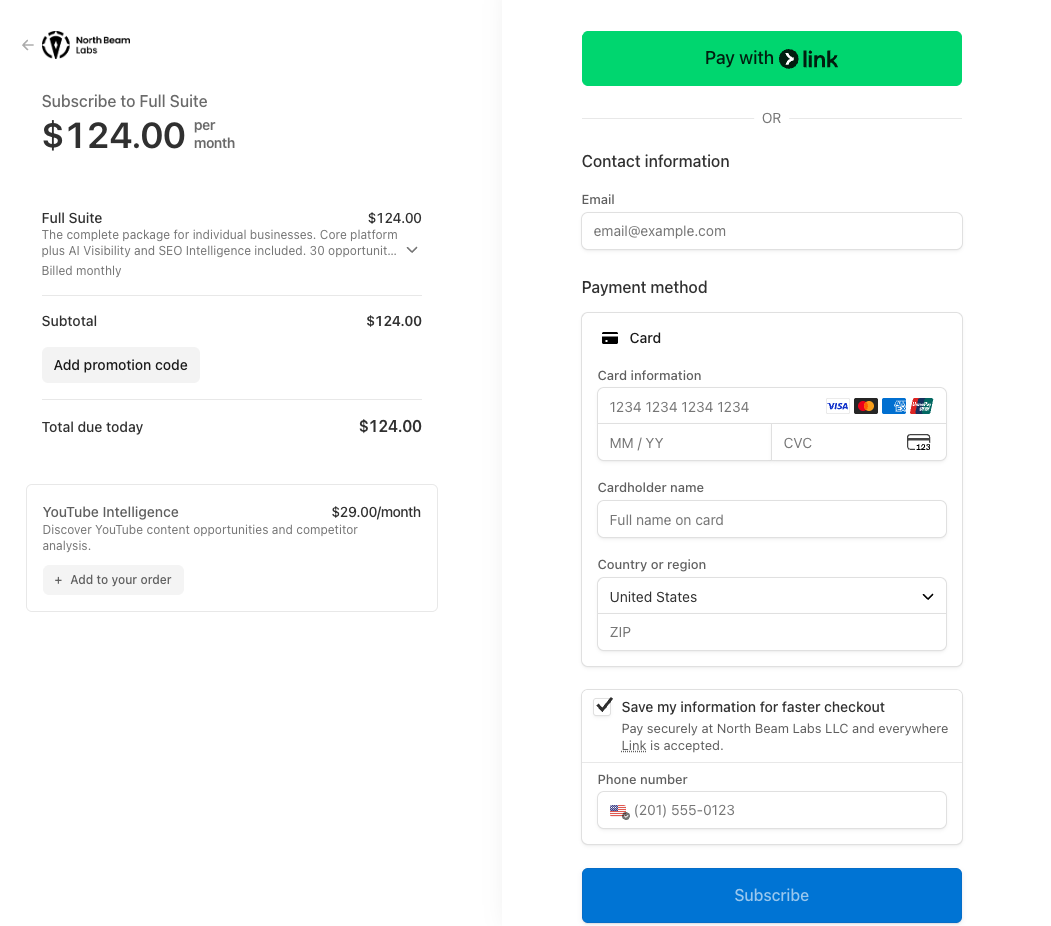
Payment is collected before account creation to streamline the process. Your subscription begins immediately after payment.
Signing In
Once your account is created:
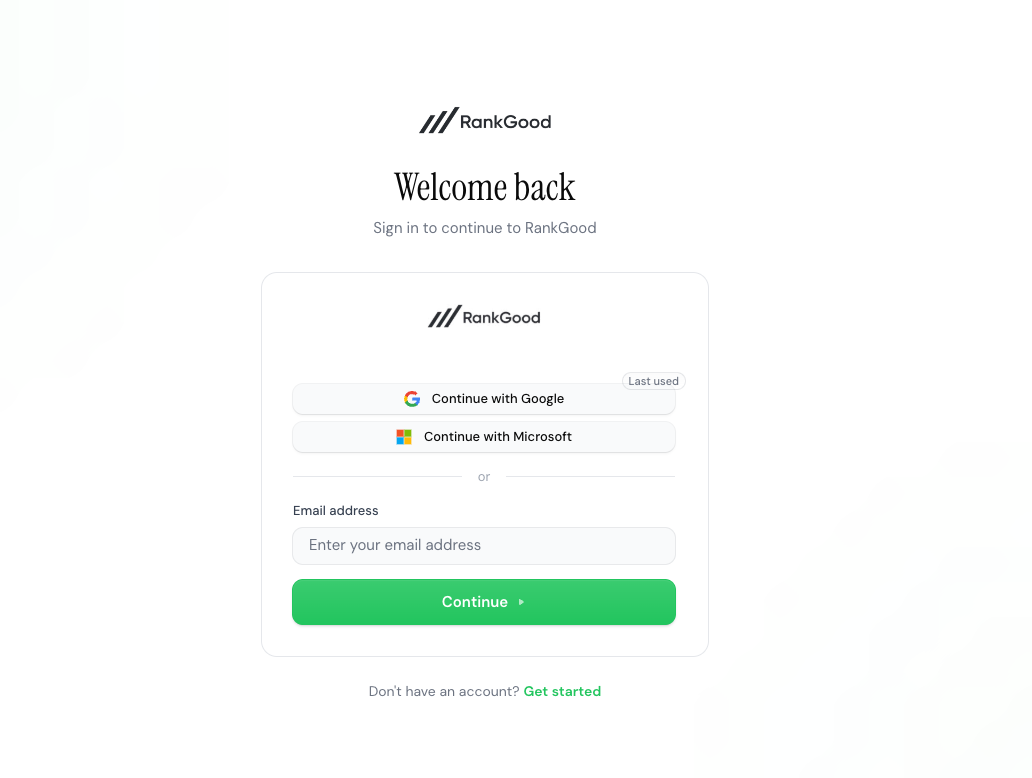
Visit the RankGood sign-in page.
Enter your email and password, or use a social login provider.
You will be taken to the onboarding wizard (first time) or directly to your dashboard.
Screenshot: The sign-in page with email/password fields and social login buttons.
Accepting an Invitation
If you are joining as an agency team member or an agency client, you will receive an email invitation with a unique link.
For Team Members
Click the invitation link in your email.
Create your account or sign in with an existing account.
You will automatically be added to the agency's team with the permissions your admin has configured.
For Agency Clients
Click the client invitation link in your email.
Create your account or sign in.
You will be connected to your agency and can access the Client Portal.
Next Steps
After creating your account, you will be guided through the Onboarding Walkthrough to set up your first product and configure your preferences.
Related Articles:
Still need help? Ask the team