Bing Webmaster Tools Integration
Connect Bing Webmaster Tools to RankGood to track your search performance on Microsoft's Bing search engine. While Google dominates search, Bing powers a significant share of searches, especially through Microsoft Edge and AI integrations.
Written By Alex Frees
Last updated 7 months ago
What Data You Get
Connecting Bing Webmaster Tools
Navigate to Settings > Integrations.
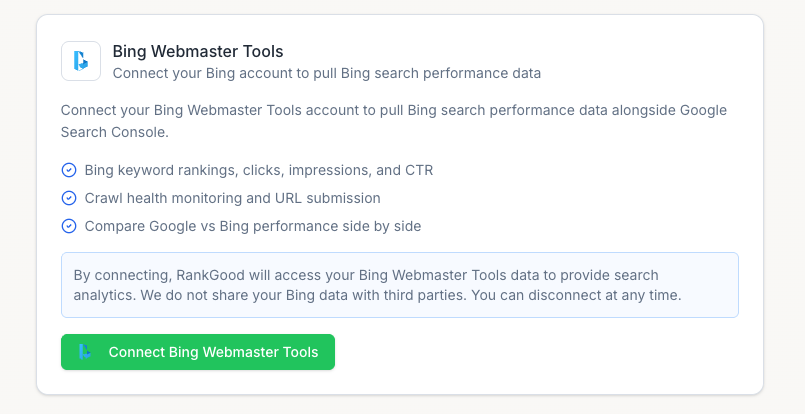
Find Bing Webmaster Tools and click Connect.
Sign in with your Microsoft account.
Grant RankGood permission to view your Bing Webmaster data.
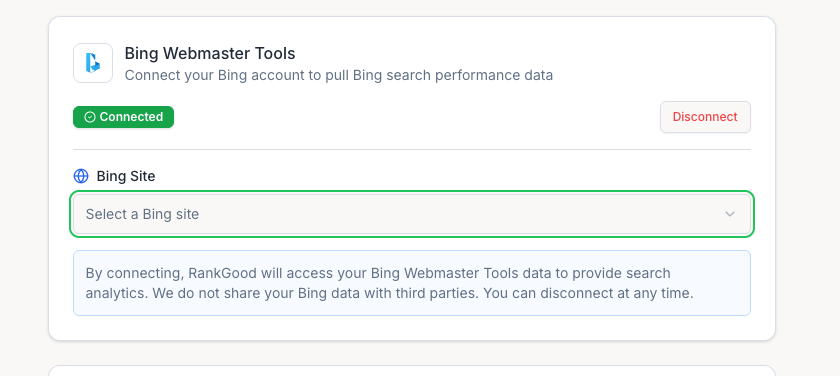
Select your site from the list of verified properties.
Click Confirm.
Screenshot: The Bing Webmaster integration card showing connection status and site selection.
Disconnecting
Go to Settings > Integrations.
Click Disconnect on the Bing Webmaster Tools card.
Confirm.
Related Articles:
Still need help? Ask the team